Your courses can be premium courses that you bought to learn or free courses that you have enrolled in.
Now, the question is how to access my courses. In FTI Academy, you can easily access the courses that you have enrolled in.
Once you have enrolled in a course, you need to access the course to complete the learning process. Follow these easy steps to access your course in FTI Academy.
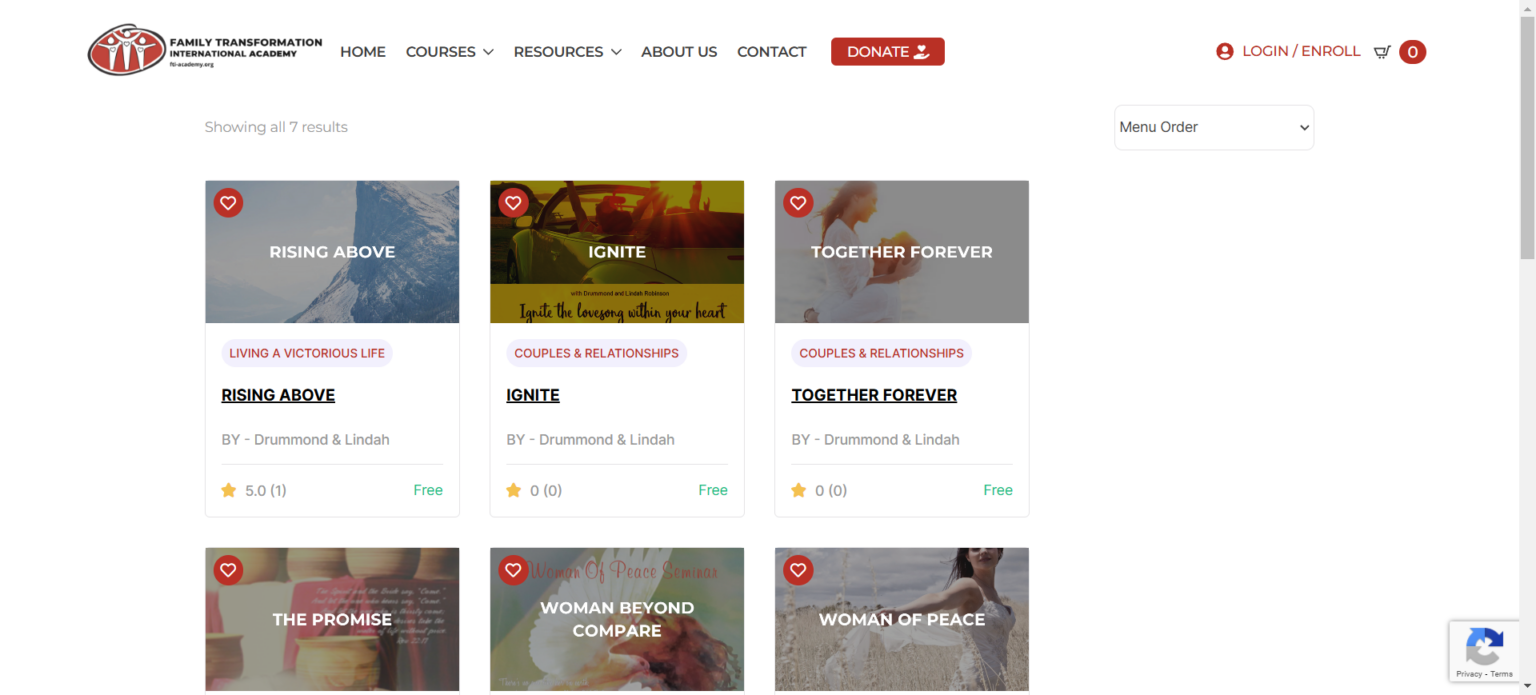
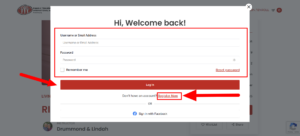
Step 1. To access your course, first, log in to your student account dashboard, to log in click on the Login button from the menu bar (located in the top right on desktop and in the hamburger icon on mobile).
Now Log in with your login details.
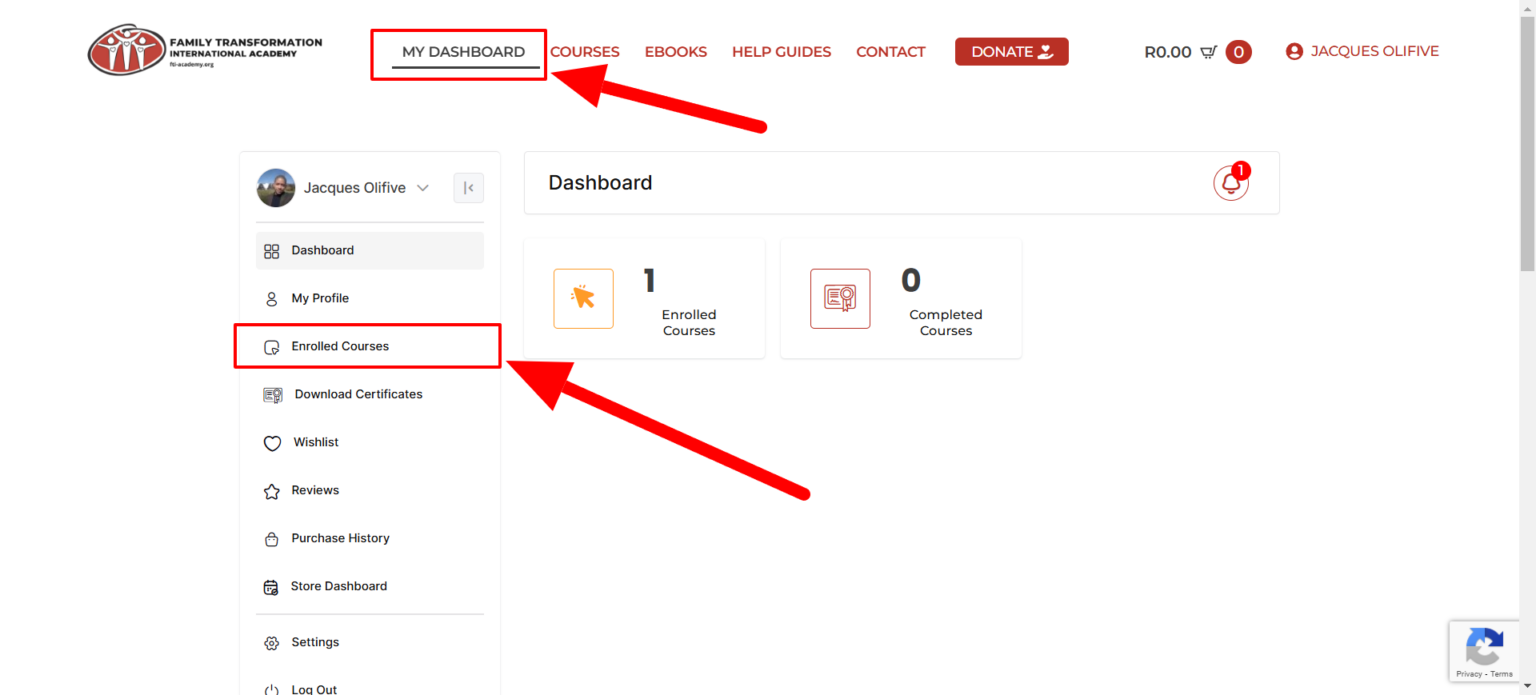
Step 2. You are now taken to the FTI Academy student frontend dashboard. Click on Enrolled Courses to view the courses that you’ve enrolled. The active courses tab shows the courses that you are actively learning at the moment. The complete courses show the courses that you’ve successfully finished.
This is all about accessing your course on the FTI Academy platform.